Get the latest TIPA package from this website.
Download TIPA MKProfile
Product build - June 29, 2026
MKProfile
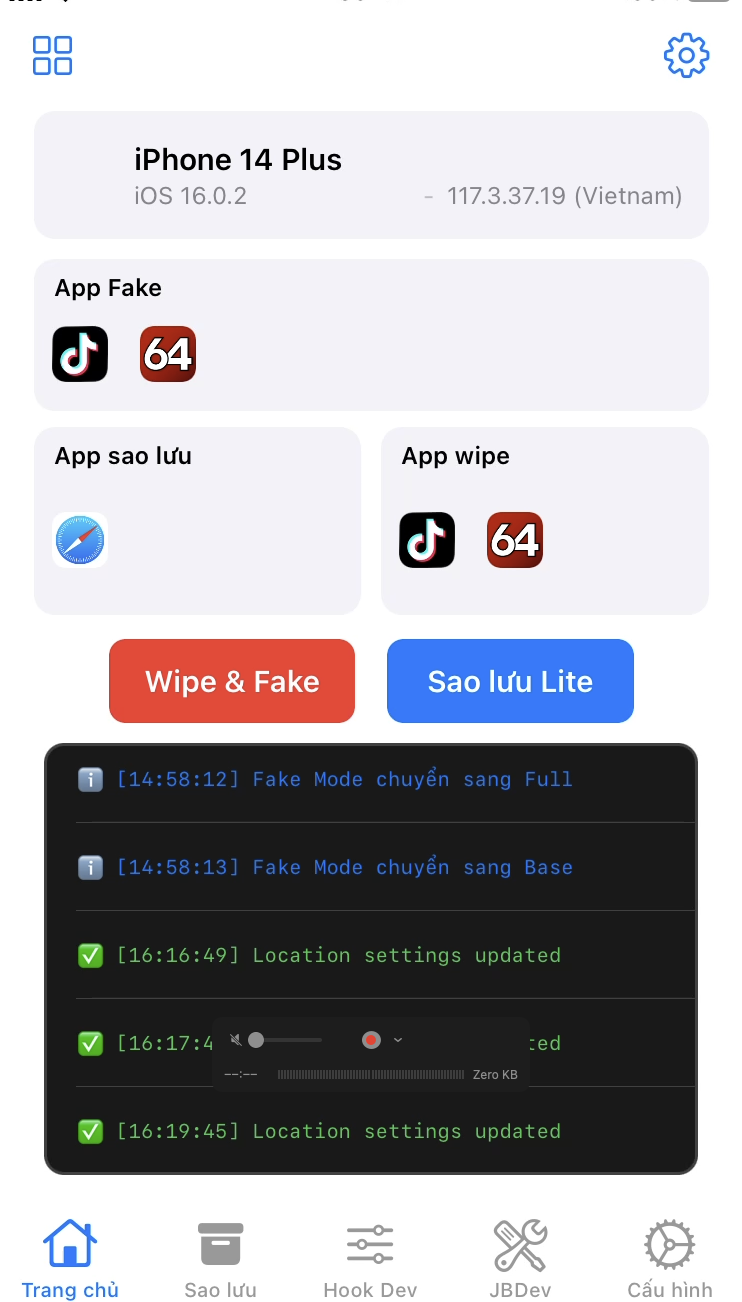
Set up app profiles with a guided flow: install MKProfile, manage your license, save app data, choose Base or Full, and reset selected apps with clear status logs.
Base mode first
ENG / VIE support
Dashboard and license renewal
Start here
Four steps from download to an active device.
This is the simplest path for new users. Install the app first, then use the dashboard to add or extend a device license.
Follow the user guide if you need help installing TrollStore or opening a TIPA file.
Read install guideUse the dashboard to see balance, licenses, and devices linked to your account.
Create accountSearch by device serial number, add it to your dashboard, then extend the license when needed.
Open dashboardWhat it does
A cleaner way to prepare selected apps for a new profile.
MKProfile is built for end users who need a guided flow: save app data, choose the apps to change, apply a profile, and see clear status logs.
Set country, language, time zone, GPS, model, screen size, iOS version, carrier, and network type from one screen.
Back up important app data before reset, so users have a recovery point before making changes.
Reset selected apps, apply the selected profile, refresh permissions, and prepare apps for reopening.
Return selected apps to the real device when a profile is no longer needed.
Recommended flow
Start safe, then increase only when needed.
The product is designed around clear steps so normal users can follow the flow without technical background.
Choose Base mode
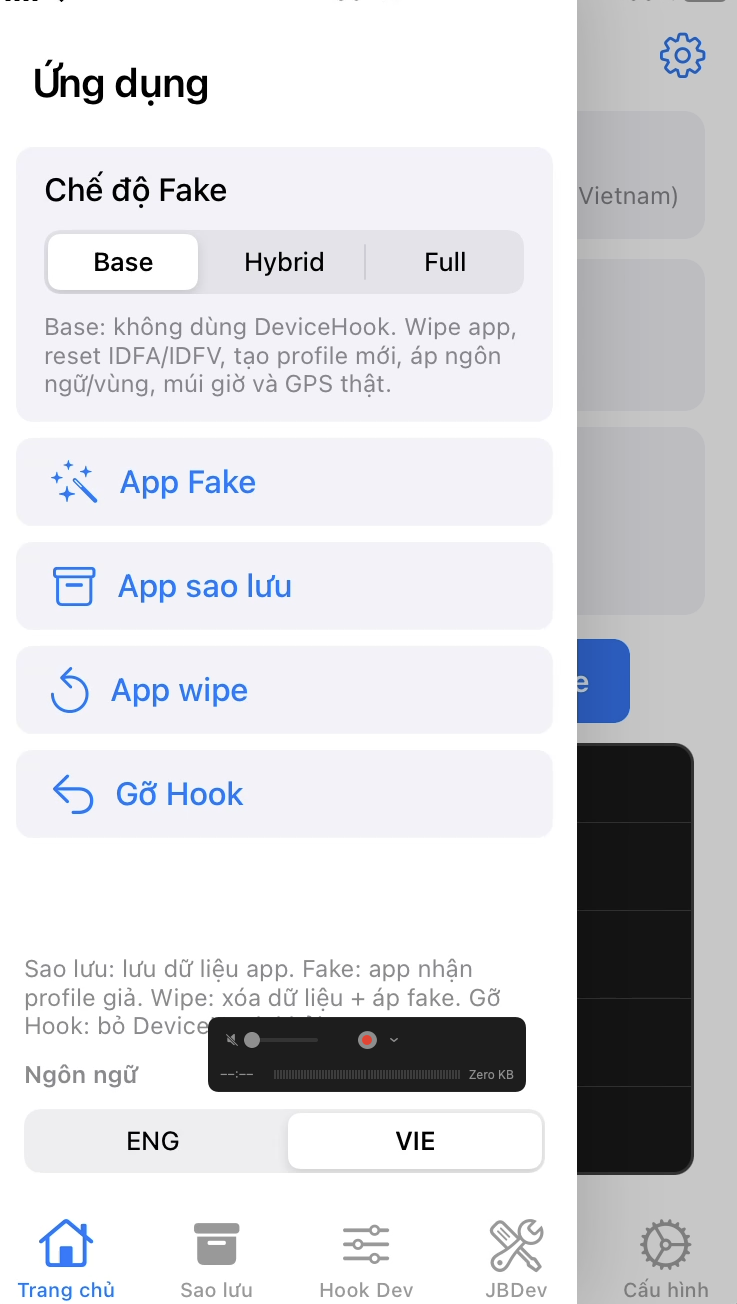
Base is the safest starting point for most users and most apps.
Set the Fake Profile
Choose country, language, time zone, GPS, device model, and iOS version.
Save app data first
Create a backup before changing important apps.
Run Reset & Apply Fake
Wait for the success logs, then open the selected apps again.
Fake Modes
Two modes for different app behavior.
Most users should begin with Base. Use Full only when an app still sees old information after the safer flow.
Good for standard reset, app ID refresh, language, region, time zone, and GPS profile changes.
Use when Base is not enough. Selected apps receive the fake profile directly, while the highest-risk options stay off by default.
License dashboard
Users can manage devices without asking for every small change.
Each user has a balance and a device list. Admins can top up balance, then users can add devices and renew licenses from their own dashboard.
Users log in to view balance, license time, and their linked devices.
Users can search for a device by serial number and add it to their dashboard before extending it.
After the admin tops up balance, users can buy or extend license time for their own device.
Tip for new users:
install MKProfile first, open the app to confirm your device information, then add the device in the dashboard.
Latest release
Production defaults focused on stability.
This build keeps the product interface simpler for end users and reduces risky default behavior.
Improved loading behavior on A12 and newer iPhone models.
Clearer preparation flow for commonly used apps such as Facebook and TikTok.
The product build keeps the riskiest Full-mode options off by default.
Advanced development settings are hidden from the product build.
New to MKProfile?
Open the user guide first for TrollStore installation, screenshots, Base / Full advice, and Vietnamese instructions.